PRODUCT DESIGN
ASSIGNMENT

Registration
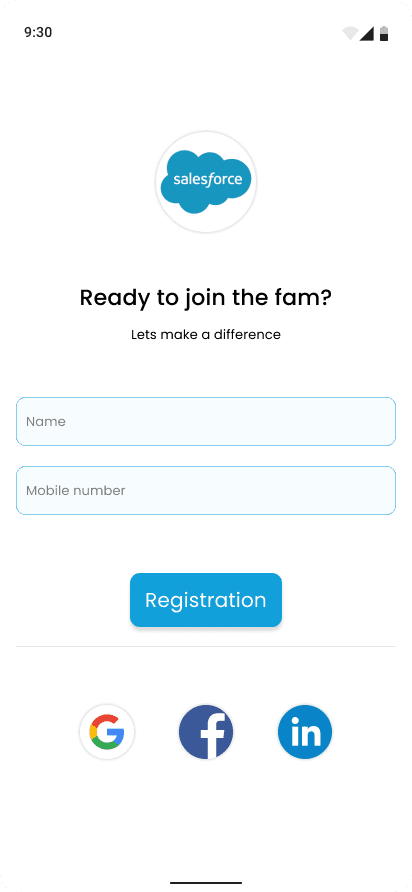
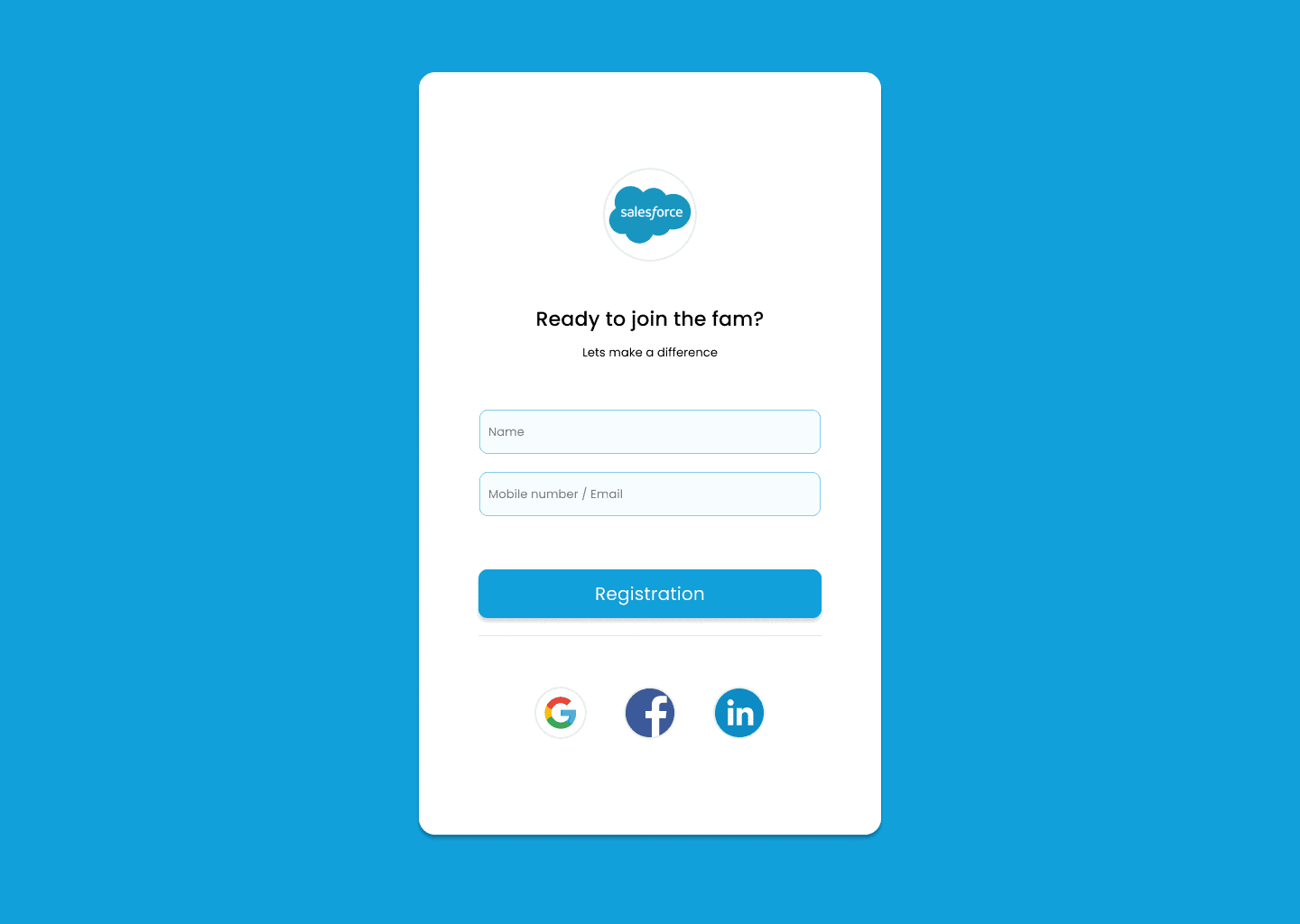
When you first enter the registration screen, you'll be asked to enter your username. You can then choose to sign up using either your email or mobile number whichever is more convenient for you.
Name
Mobile number / Email
Registration
SSO
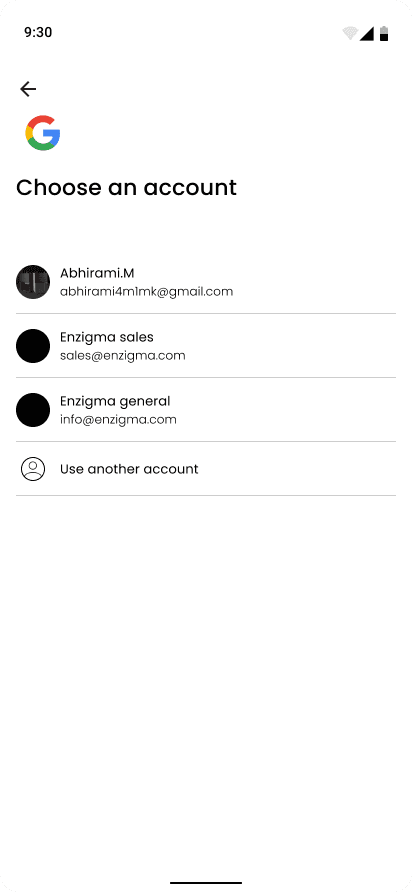
You also have the option to use Single Sign-On (SSO) for a more convenient and hassle free registration process.



Next, you'll have the opportunity to enter your information and set up a password.
Name
Password
Confirm password
LOG IN
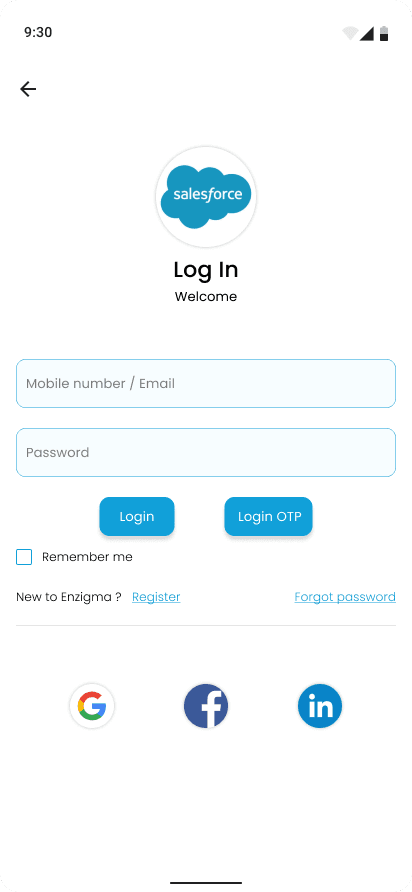
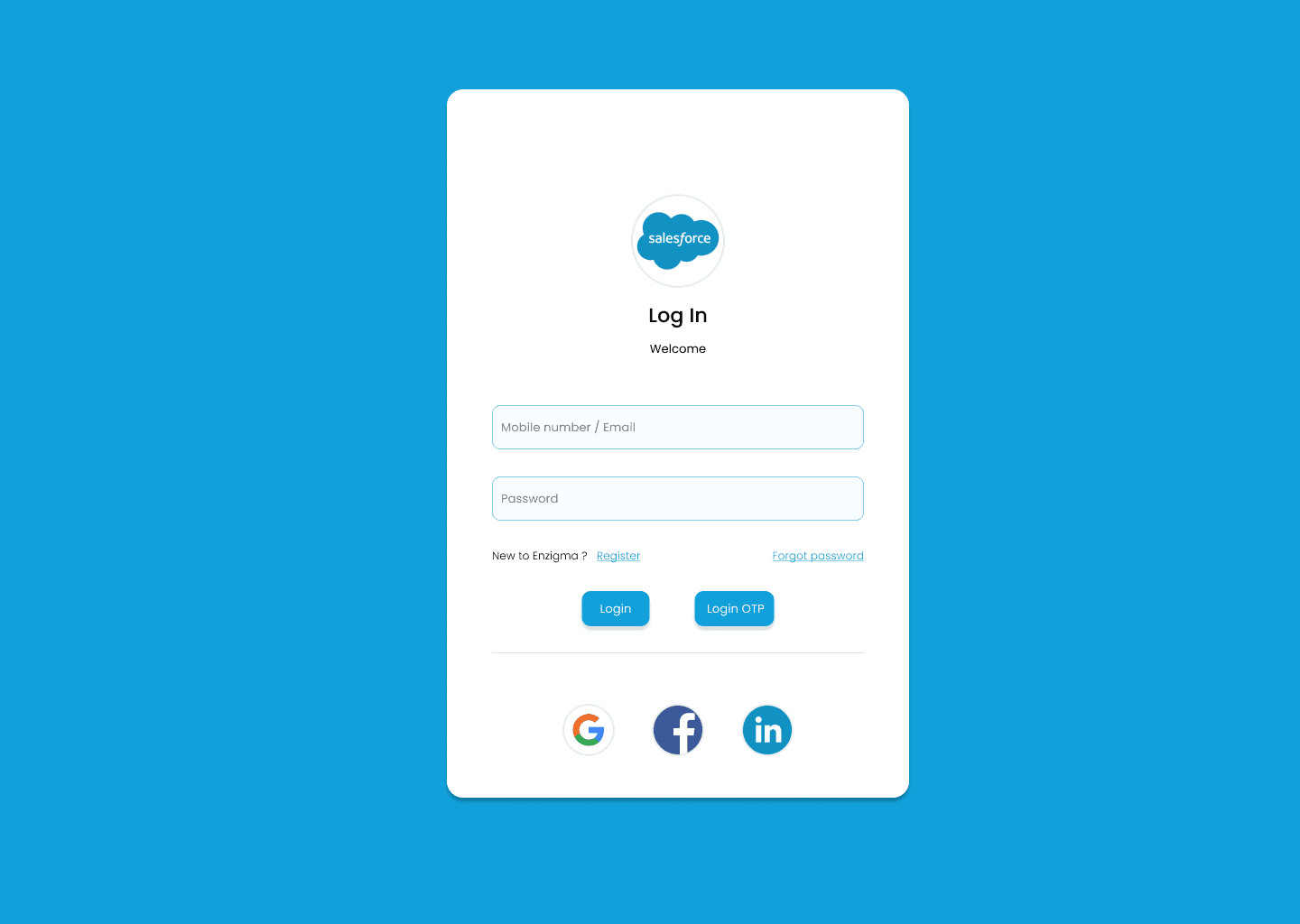
If you already have an account, you can log in using your email ID and password or mobile number and password. If you prefer, you can choose to log in with an OTP, and you'll be prompted to enter it. Additionally, Multi-Factor Authentication (MFA) options are available for added security when using the OTP login method.
SSO
You can also take advantage of Single Sign-On (SSO) for a quicker and easier registration experience.
Forget password
option is also available for users who need to reset their password.
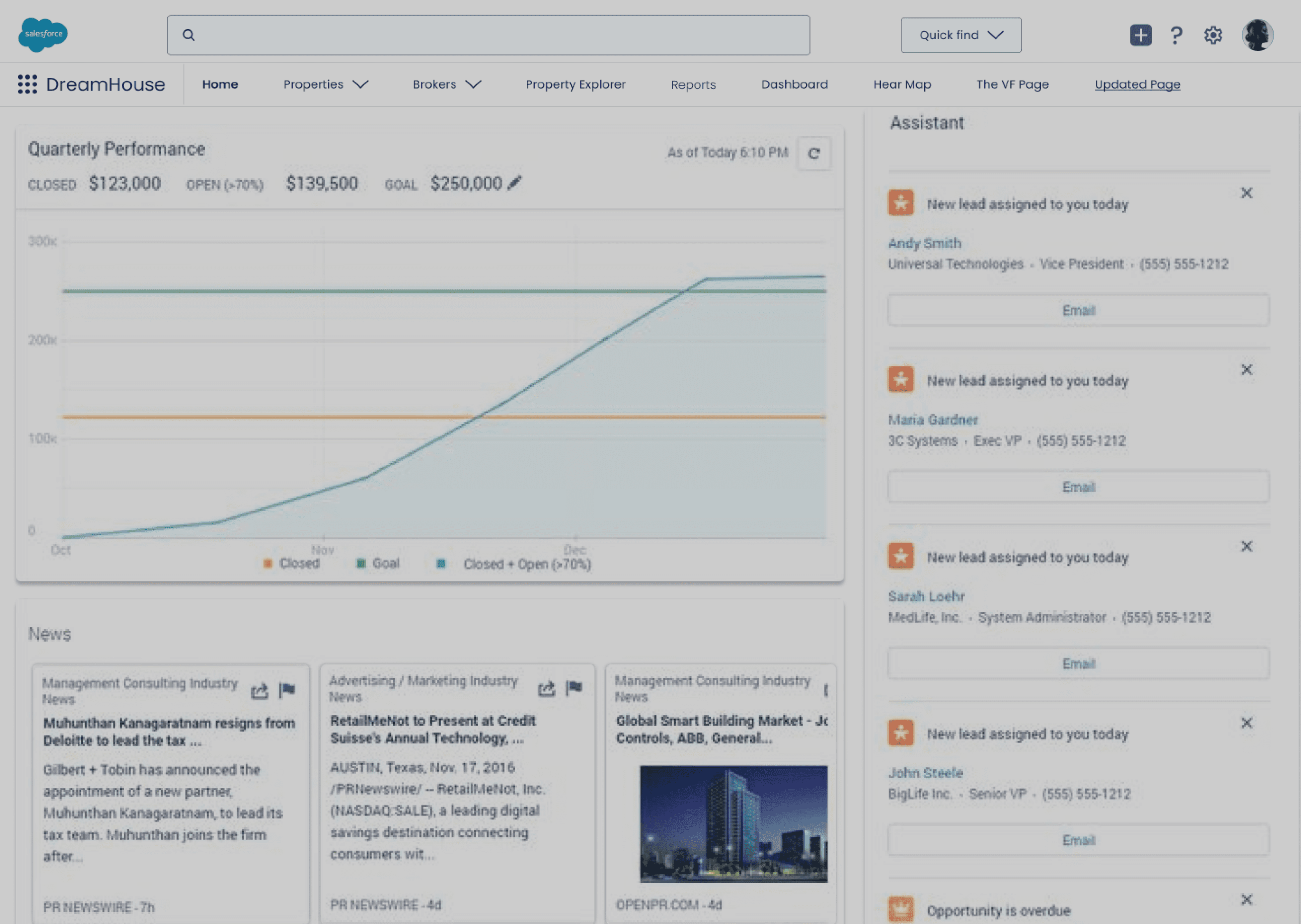
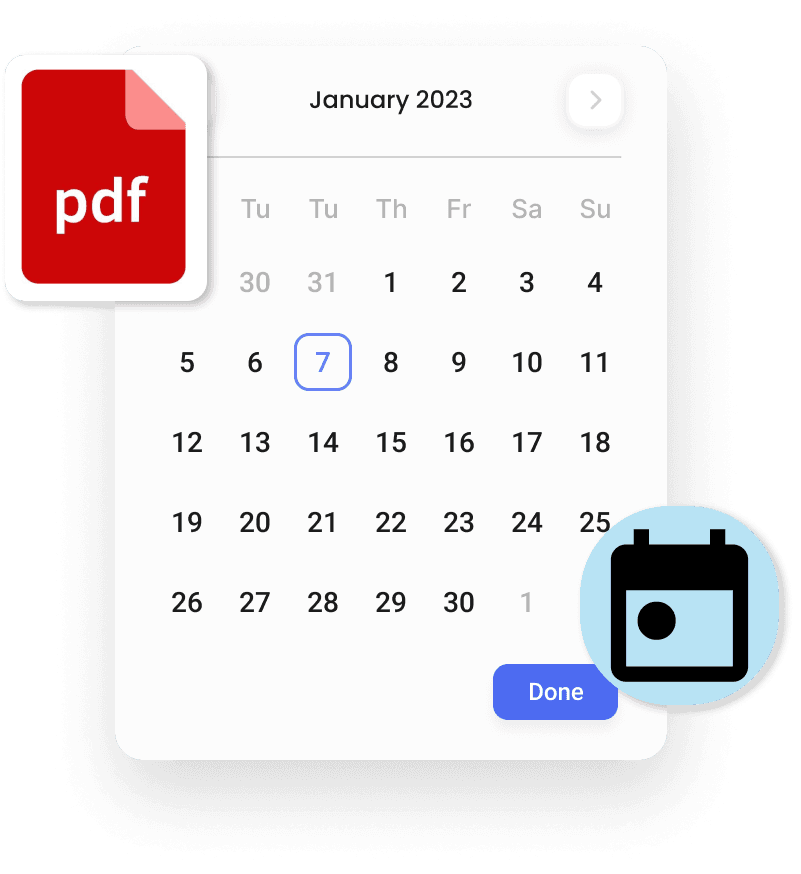
To enhance file accessibility, we have implemented a "Quick Find" button in the header, allowing users to easily search for files by category. Additionally, our "Report" tab includes a calendar feature to streamline the process of locating specific files.
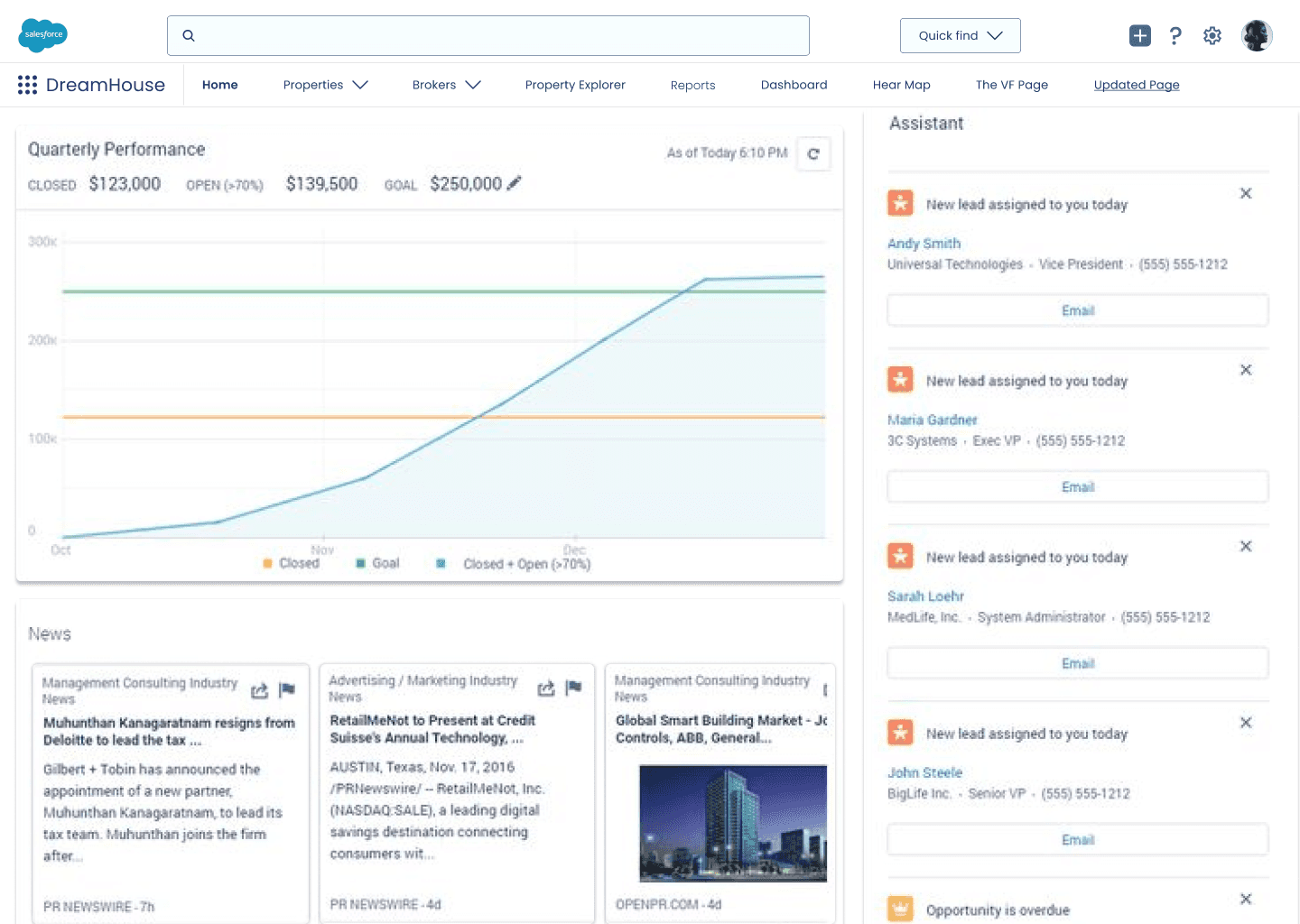
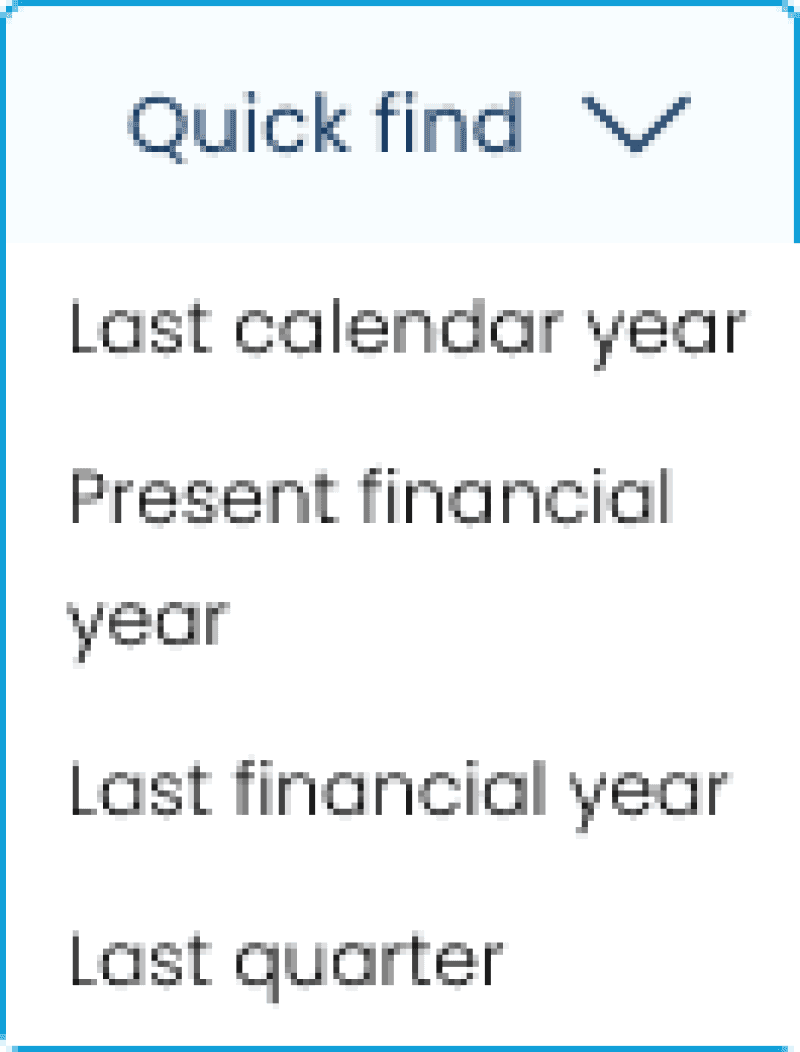
You'll be provided with a few key categories to easily access your reports.

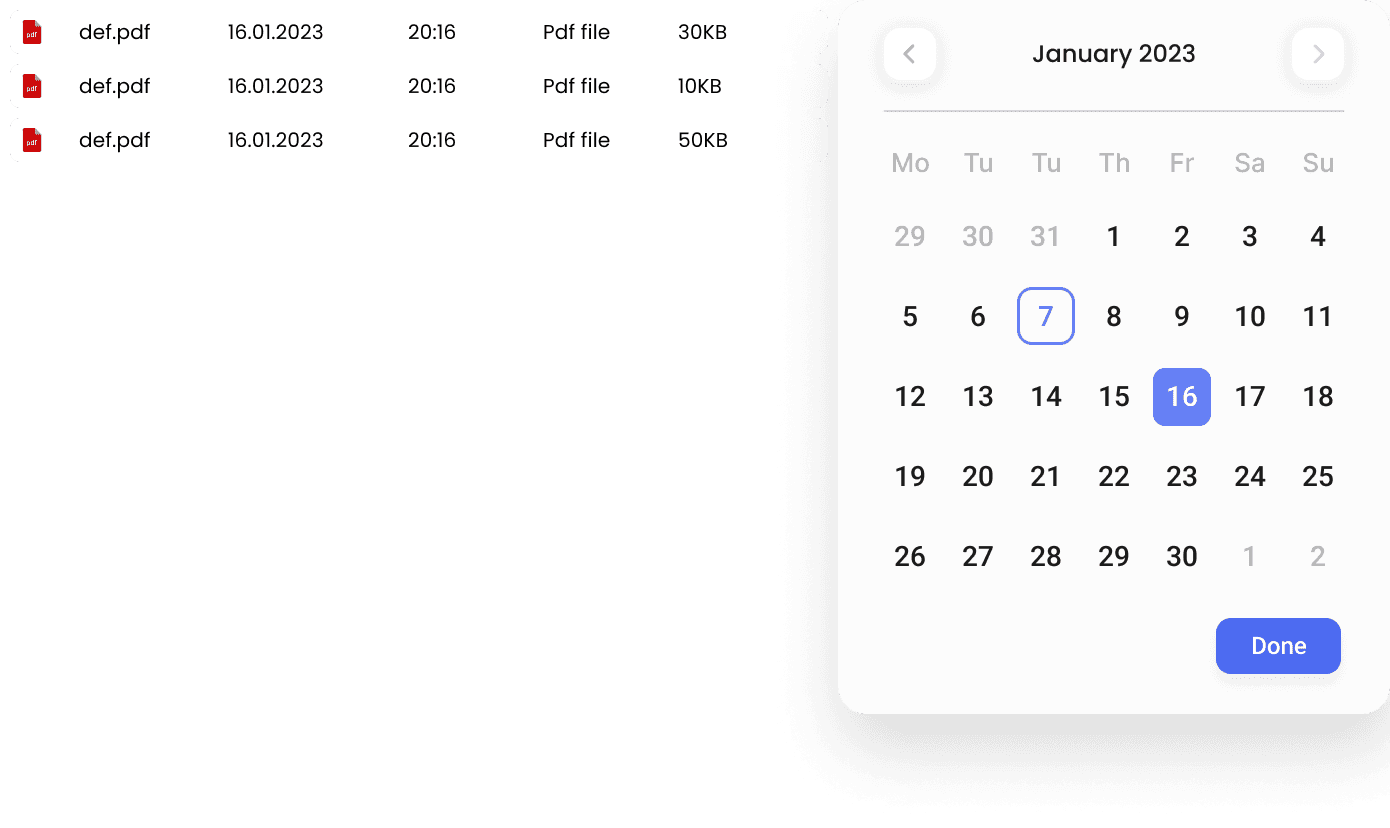
To locate a specific report, you can simply click on the calendar icon in the reports tab, select the desired date, and your results will be displayed on the left.
<

PRODUCT DESIGN
ASSIGNMENT
Registration
When you first enter the registration screen, you'll be asked to enter your username. You can then choose to sign up using either your email or mobile number whichever is more convenient for you.
Name
Mobile number / Email
Registration
SSO
You also have the option to use Single Sign-On (SSO) for a more convenient and hassle free registration process.
Next, you'll have the opportunity to enter your information and set up a password.
Name
Password
Confirm password
LOG IN
If you already have an account, you can log in using your email ID and password or mobile number and password. If you prefer, you can choose to log in with an OTP, and you'll be prompted to enter it. Additionally, Multi-Factor Authentication (MFA) options are available for added security when using the OTP login method.
SSO
You can also take advantage of Single Sign-On (SSO) for a quicker and easier registration experience.
Forget password
option is also available for users who need to reset their password.
To enhance file accessibility, we have implemented a "Quick Find" button in the header, allowing users to easily search for files by category. Additionally, our "Report" tab includes a calendar feature to streamline the process of locating specific files.
You'll be provided with a few key categories to easily access your reports.
To locate a specific report, you can simply click on the calendar icon in the reports tab, select the desired date, and your results will be displayed on the left.
<