Reskin a Mobile Game Wireframe in a Cricket Theme
Reskin a Mobile Game Wireframe in a Cricket Theme
-Abhirami.M
-Abhirami.M
Color & typography
Color & typography
Aa
Aa
Regular
Regular
Semi bold
Semi bold
Bold
Bold
ABCDEFGHIJKLMNOPQRSTUVWXYZ
ABCDEFGHIJKLMNOPQRSTUVWXYZ
abcdefghijklmnopqrstuvwxyz
abcdefghijklmnopqrstuvwxyz
0123456789
0123456789
Imbue
Imbue
Imbue is used science it fells timeless and classic that is visually appealing to the theme and color pallet of the application.
Imbue is used science it fells timeless and classic that is visually appealing to the theme and color pallet of the application.
Primary color
To make a intense and dramatic effect that doesn't strain your eye.
Primary color
To make a intense and dramatic effect that doesn't strain your eye.
Secondary color
For legible text .
Secondary color
For legible text .
to be less overpowering than white on a black background, helping to build more character and blend seamlessly with the design.
to be less overpowering than white on a black background, helping to build more character and blend seamlessly with the design.
It changes according to the team you choose.
It changes according to the team you choose.
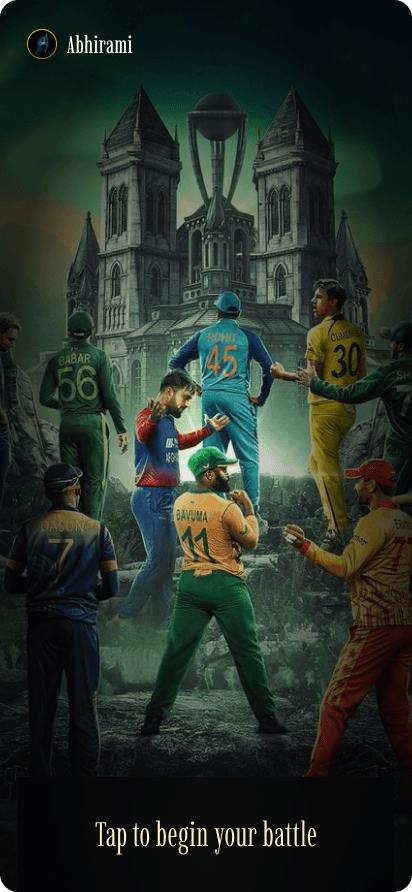
Hero image area
The first interactive screen features a background with intense-looking players, creating a catchy and immersive aesthetic for the game.
The dark theme with gold accents creates an intense, dramatic, and royal gaming experience.
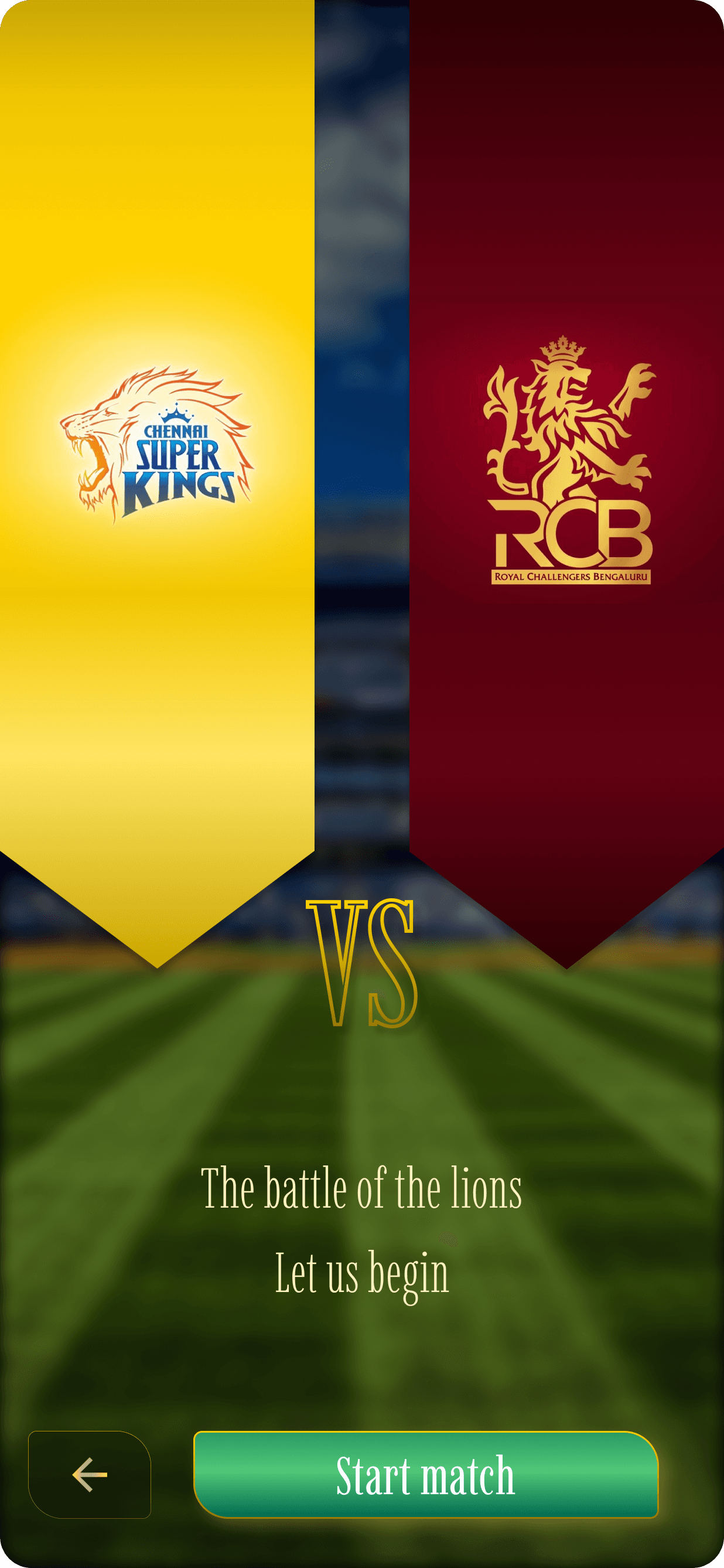
Two flags are set up in the background to show the start of the game: the one on the left is your team's flag, and the one on the right is the opponent's flag.
The “Start Match” button stands out with a visually striking green gradient, prompting players to click and begin the game.
The background features a blurred image of a stadium, creating an immersive atmosphere that keeps the focus on the player.

Play button
Hero image area
The first interactive screen features a background with intense-looking players, creating a catchy and immersive aesthetic for the game.
The dark theme with gold accents creates an intense, dramatic, and royal gaming experience.
Two flags are set up in the background to show the start of the game: the one on the left is your team's flag, and the one on the right is the opponent's flag.
The “Start Match” button stands out with a visually striking green gradient, prompting players to click and begin the game.
The background features a blurred image of a stadium, creating an immersive atmosphere that keeps the focus on the player.
Play button
Team selection
Team selection
The team options are displayed based on the type of match selected, featuring a dark theme with a golden border to create a dramatic and striking effect.
The team options are displayed based on the type of match selected, featuring a dark theme with a golden border to create a dramatic and striking effect.
The black background ensures all teams appear equal, avoiding any visual bias towards selecting a particular team.
The black background ensures all teams appear equal, avoiding any visual bias towards selecting a particular team.
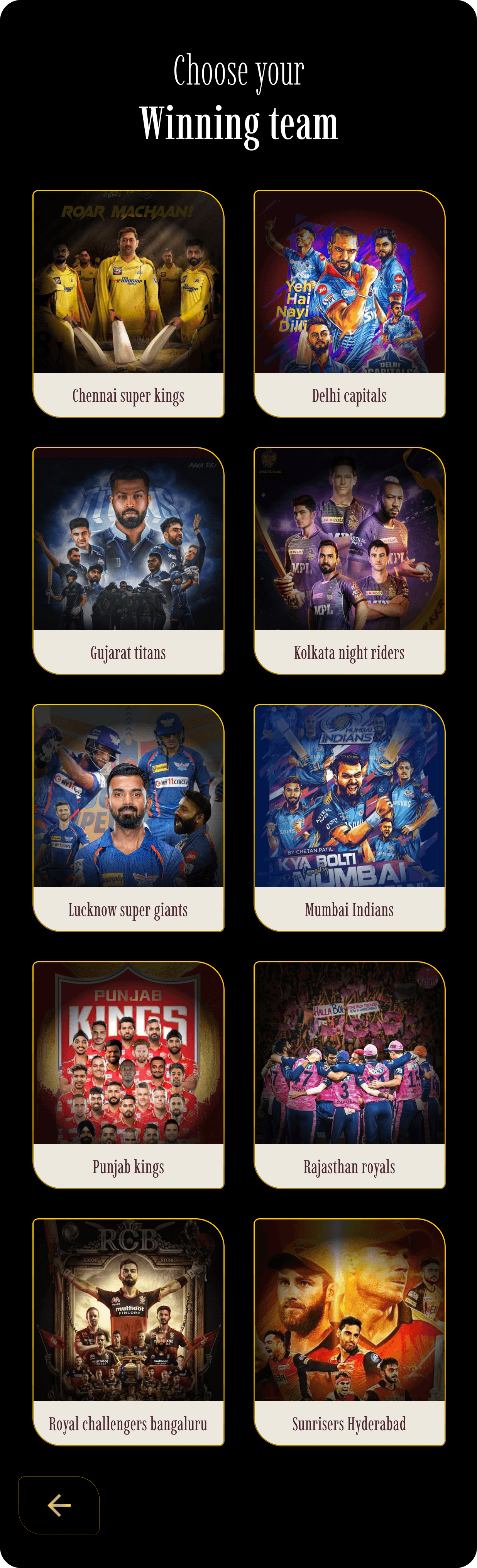
Based on the team you select, you'll be provided with that team’s color scheme for choosing your players.
Based on the team you select, you'll be provided with that team’s color scheme for choosing your players.
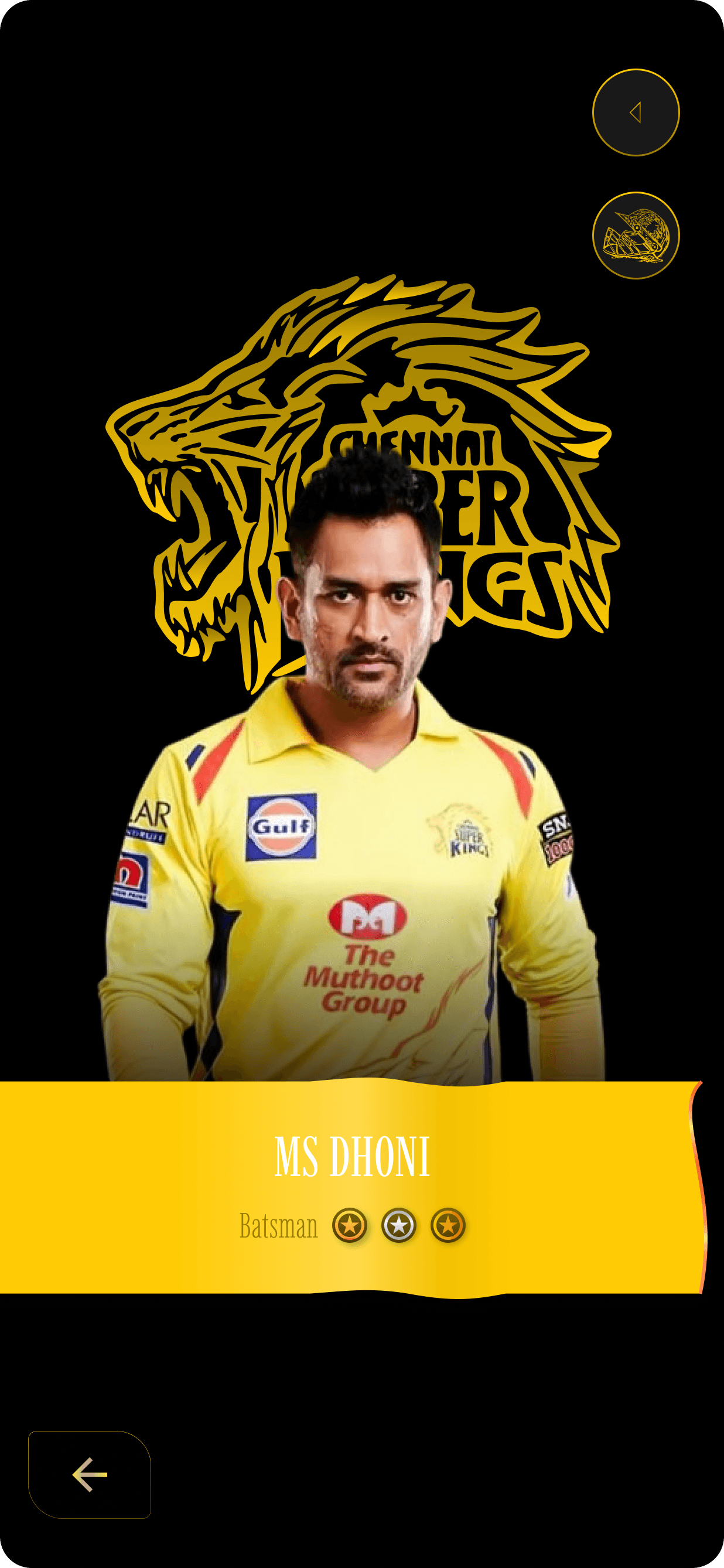
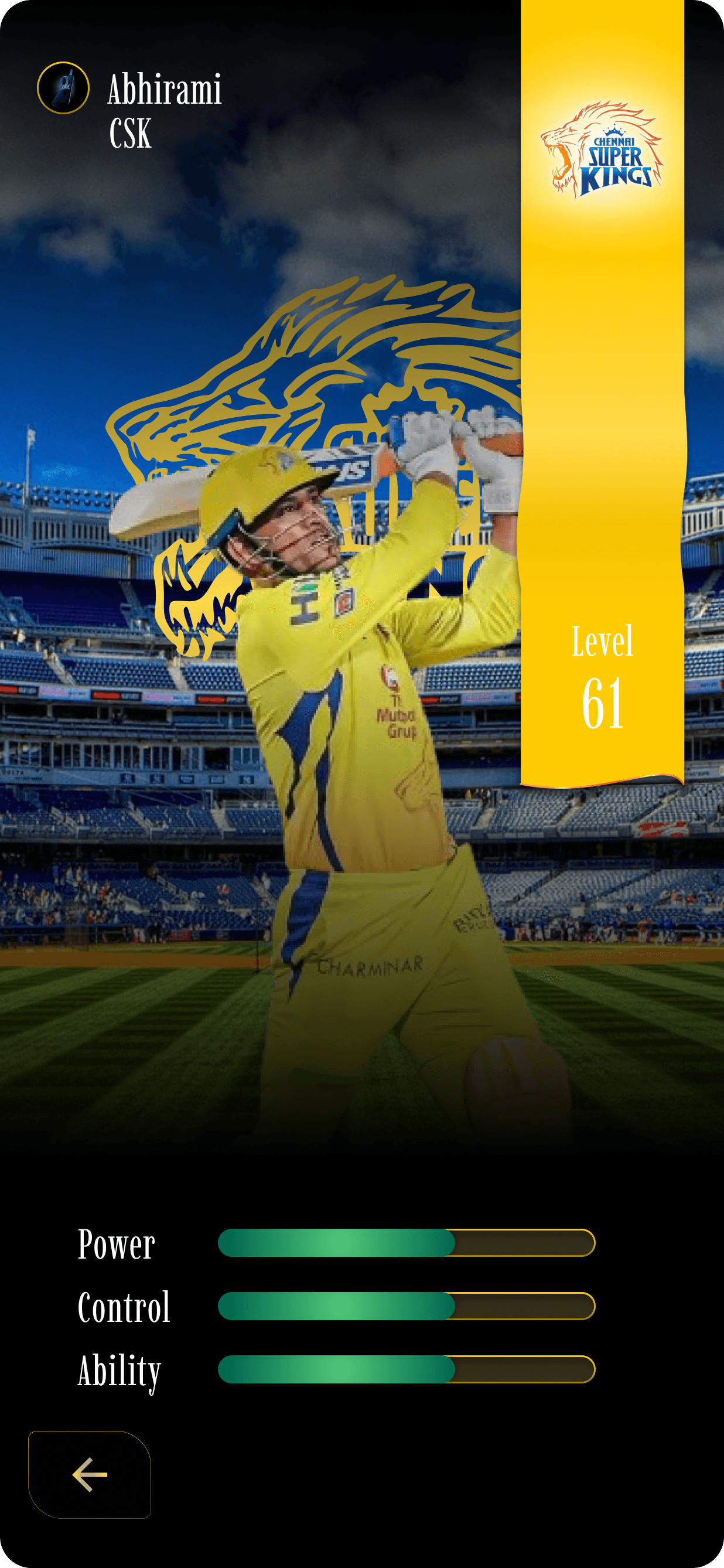
There are also personal screens for the players, featuring a striking black background with a theme color to highlight individual profiles.
There are also personal screens for the players, featuring a striking black background with a theme color to highlight individual profiles.
An option to view more about the player is also provided
An option to view more about the player is also provided
There’s also an option to view their collectible sports cards.
There’s also an option to view their collectible sports cards.

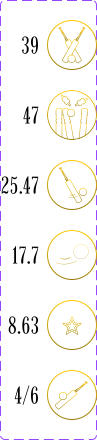
Matches
Matches
Wickets
Wickets
Average
Average
Strike rate
Strike rate
Economy
Economy
Best
Best


Navigation bar
Navigation bar
The second interactive screen provides navigation with various options to play and connect with friends.
The second interactive screen provides navigation with various options to play and connect with friends.
The navigation buttons feature a golden finish to stand out against the dark theme of the game.
The navigation buttons feature a golden finish to stand out against the dark theme of the game.
The store is conveniently placed on the right for easy access.
The store is conveniently placed on the right for easy access.
You can communicate with friends and share your achievements.
You can communicate with friends and share your achievements.
Settings
Settings



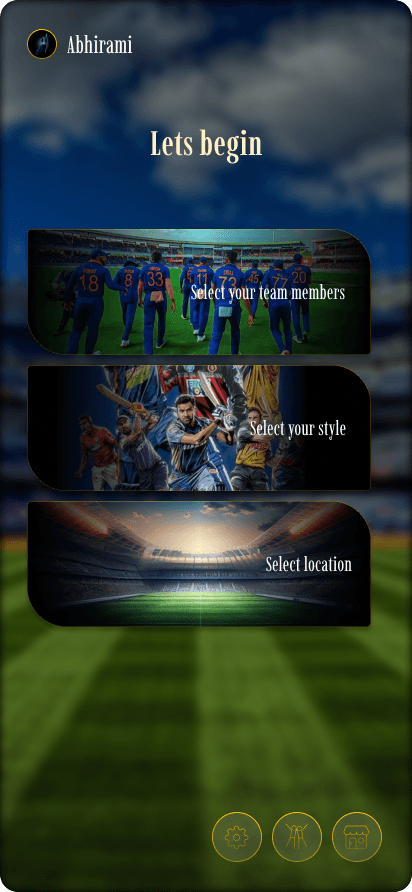
Choosing your team
Choosing your team
Choosing your type of match
Choosing your type of match
Choosing your location
Choosing your location
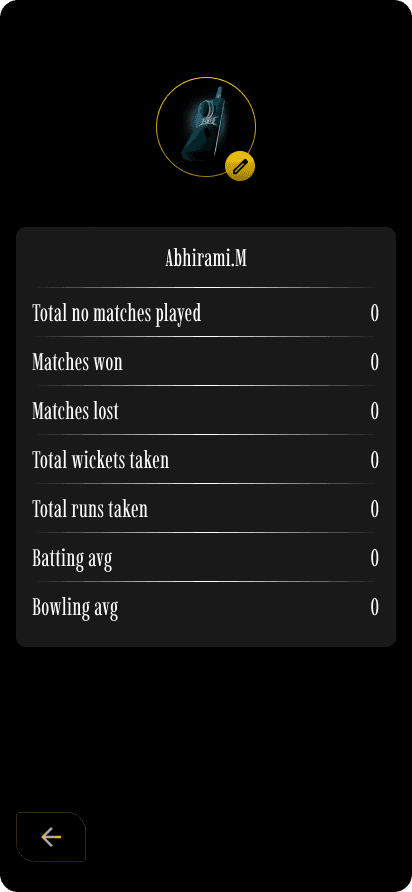
Players can also monitor their progress and scores through this section.
Players can also monitor their progress and scores through this section.
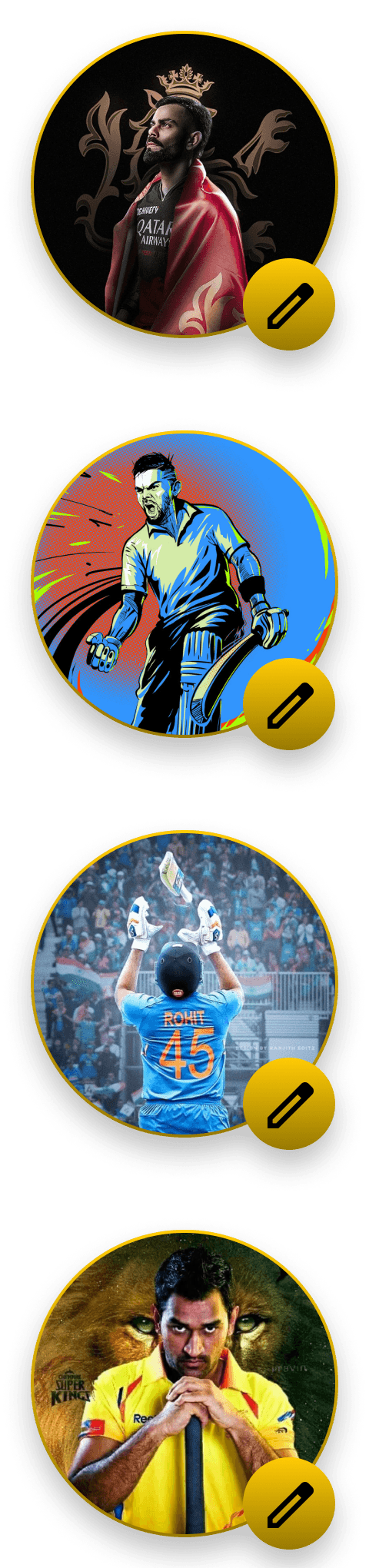
Profile pic & Name
Profile section
Profile section
A clear view of the profile picture is provided, with options to change it, edit your name, and make other adjustments.
A clear view of the profile picture is provided, with options to change it, edit your name, and make other adjustments.
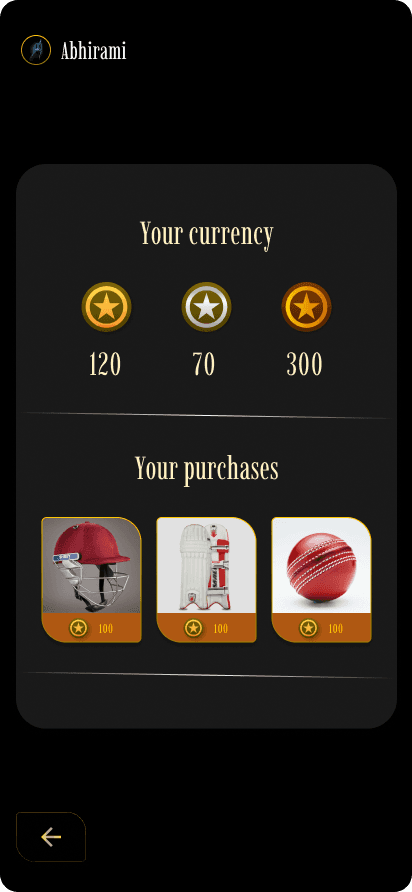
It displays the coins and points you have earned throughout the game.
It displays the coins and points you have earned throughout the game.
It also shows the history of accessories purchased using your coins.
It also shows the history of accessories purchased using your coins.
Currency display
Currency display
<